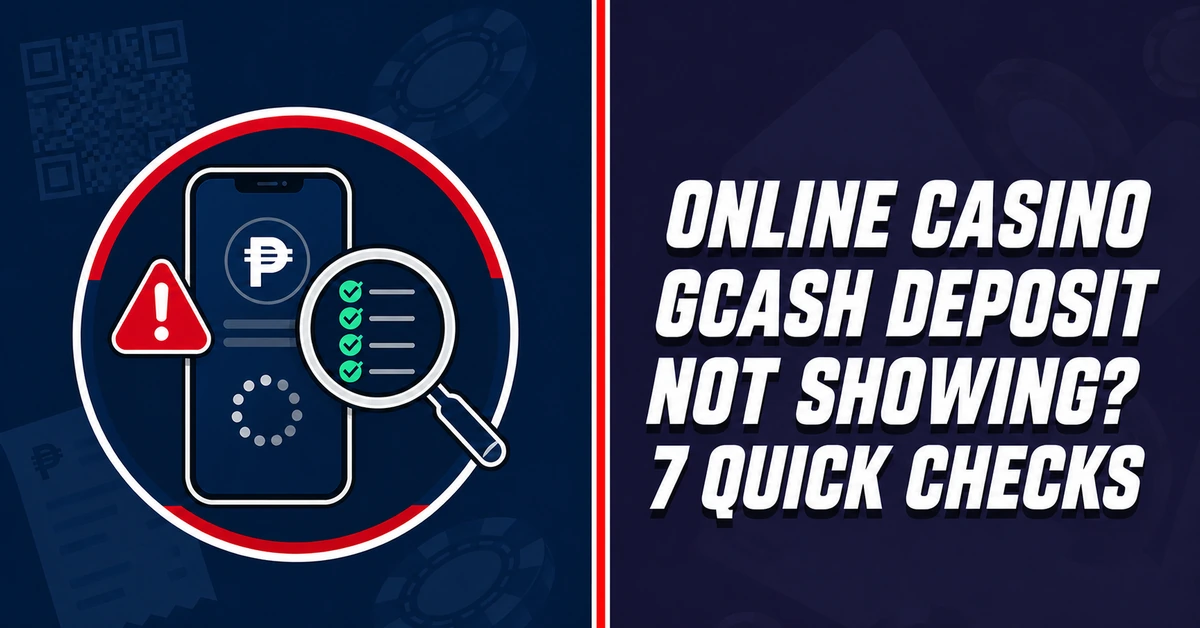
If an online casino GCash deposit is not showing, do not pay again immediately. First determine whether GCash marked it completed, pending or failed. Then compare the cashier instructions, transaction history and account details.
GCash removed licensed gaming top-up and withdrawal services from GLife on 16 August 2025. Players using a merchant’s separate website or payment route should confirm that it is current, official and available to their account before paying.
| What the user sees | Likely issue | First action |
|---|---|---|
| GCash says “pending” | Transaction is still being processed | Do not send a second payment immediately |
| GCash says “failed” | Funds may not have been transferred | Check wallet history and balance |
| GCash says “completed” | Casino credit may be delayed | Save the reference number |
| No casino transaction record | Incorrect or expired payment route | Check the cashier instructions |
| Deposit was credited twice | Duplicate attempt | Do not use the extra balance; contact support |
1. Check the GCash Transaction Status
Open the GCash Inbox or Transaction History. If no transaction appears and the wallet was not deducted, GCash says the payment did not go through. If it shows pending, wait instead of creating a duplicate. A completed ₱500 payment with an unchanged casino balance requires merchant-side checking.
2. Confirm the Exact Deposit Amount
Compare the payment with the cashier’s requested figure. A rounded or changed amount can prevent automatic matching even when GCash shows completion. Keep the receipt; do not send a “correction” unless official support instructs you.
3. Check Whether the Payment Request Expired
QR codes and cashier requests can expire. An old code may fail or produce a payment the cashier cannot match. Generate a new request only after confirming the earlier attempt was not charged or remains unresolved.
4. Verify the Account and Reference Details
Check the casino username, member ID, account number and reference fields against the cashier instructions. One wrong character can stop automatic crediting. Use only details displayed in the authenticated cashier—not payment information sent through an unsolicited message or social-media account.
5. Refresh the Cashier and Transaction History
Sign out and back in, then refresh the wallet and deposit history. Look for pending, rejected or completed records rather than relying only on the headline balance. Merchant posting can lag behind GCash completion; another payment will not speed it up.
6. Check Wallet and Casino Limits
Review current wallet limits and the casino cashier’s permitted range. Insufficient funds, a reached limit or an out-of-range amount can stop payment. Verification may also affect payment functions, so use live screens rather than an old guide.
7. Prepare Evidence and Contact Official Support
Before contacting support, collect:
- casino username or member ID;
- deposit amount and payment method;
- date and exact time;
- GCash reference number and status;
- casino transaction ID, if shown; and
- an uncropped screenshot showing the date, amount and payment status.
Never include an MPIN, password or one-time PIN. A screenshot hiding the key fields cannot establish what happened. If GCash shows completion but no casino record appears, contact the merchant first and provide the evidence. If the wallet was deducted without a usable transaction record, use GCash’s official support route too.
Keep the original files until the case is resolved. Do not edit the status, date or reference number in a screenshot, and record any support ticket number so later follow-ups remain connected to the same transaction.
What to Check When a BK8 GCash Deposit Is Missing
For an existing BK8 user, check the transaction history, current cashier method and official support channel. Do not open another account or repeat the payment. BK8’s public help material describes e-wallet support generally, but current GCash availability, deposit limits and processing estimates must be confirmed in the live cashier before publication or payment.
Prospective users should first confirm eligibility, current licensing status, available payment routes and affordability. Gaming is for adults aged 21 and above in the applicable Philippine regulatory context. Keep it entertainment and never chase a missing payment with another deposit.
FAQs
Should I repeat a pending GCash casino deposit?
No. Wait for a final status and check both transaction histories. A second attempt can create duplicate charges.
What if GCash says completed but the casino balance is unchanged?
Save the reference number and visible receipt, refresh the casino transaction page, then contact official merchant support with complete evidence.
Can support ask for my GCash MPIN or OTP?
No legitimate troubleshooting process requires you to disclose an MPIN, password or OTP. Do not share them.
What if GCash marks the casino payment failed?
Check whether the wallet was deducted and whether the attempt appears in Transaction History. Do not assume a transfer occurred solely because a payment screen was opened.
Sources
- GCash: Online payment not received or reflecting
- GCash: Unsuccessful transaction with wallet deduction
- GCash: Suspension of Gaming access in GLife
- PAGCOR marketing framework

Jenny Carrasco is an avid enthusiast of the vibrant world of online casinos. With a keen eye for detail and a passion for understanding the intricacies of the gaming industry, she delves into the nuances of platform design, game variety, security measures, and user experience. Her interest in casino review stems from a desire to provide insightful and trustworthy evaluations for both seasoned players and newcomers alike, helping them navigate the exciting yet complex landscape of digital wagering.